DBBet Login Page for Tanzania Users

You can use the DBBet official website login or the mobile app to access your account on any device in Tanzania. You only need your registered mobile number or email and your password to log in.

The DBBet login process is quick and simple once your registration and basic verification are complete. Your personal information is protected by modern encryption and secure sessions, and you can add extra security such as two-factor authentication if it is available in your profile.

After you sign in, you can place sports bets, play casino games, view and claim bonuses, and manage deposits, withdrawals, and your account settings.

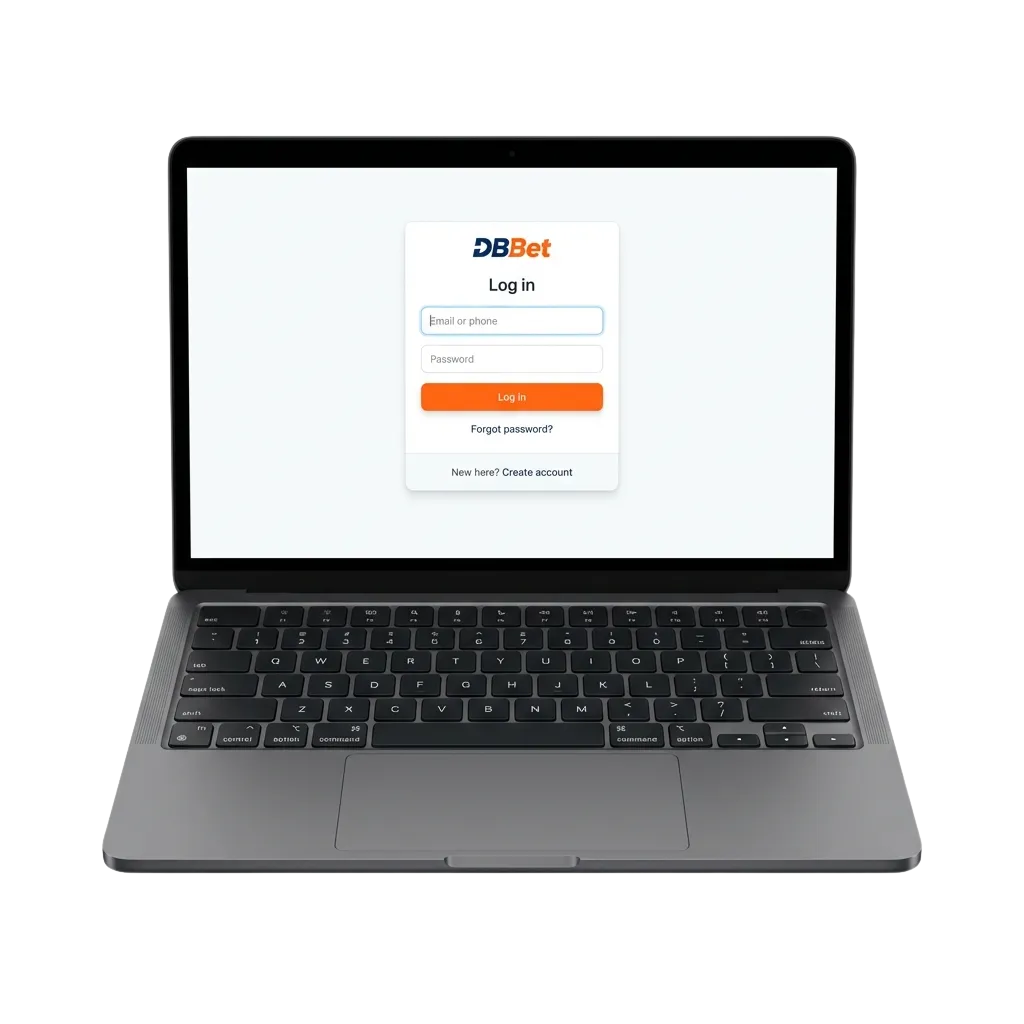
DBBet login page on phone and laptop for Tanzania users, showing fields for mobile or email and password

DBBet Account Login Options in Tanzania

You can choose the DBBet account login option that fits your device and preference. Each method uses the same secure platform and lets you reach the same betting and gaming screens.

Available login methods: mobile number and password, email and password, social login (if enabled), app login on Android, app login on iOS, browser login on desktop, browser login on mobile.

Email Login Method

Email login is a direct way to access your DBBet account using your inbox address. It helps you keep all account messages in one place and works well across different devices.

  1. Open the DBBet official website login page or launch the mobile app.
  2. Enter the email address you used during registration in the login field.
  3. Type your password carefully, watching for upper and lower case letters.
  4. Tap or click "Login" to sign in and go to your account screen.

Login

Login at DBBet via App

You can log in through the DBBet mobile app for faster access on your phone, which feels different from using the standard website in a browser. The app keeps you logged in longer on your personal device and gives you quick access to your bets and casino games.

1

Step 1

Download the official DBBet app using the download link on the site or the store recommended on the website.

2

Step 2

Install the app on your Android or iOS device and open it.

3

Step 3

On the first screen, choose your login method: mobile number and password, email and password, or social login if you see that option.

4

Step 4

Enter your account information, then tap the "Login" button.

5

Step 5

Once you sign in, check your profile, balance, and bonuses, then go to sports betting or casino sections.

Possible Account Login Problems on DBBet and their Solutions

Sometimes you may face a DBBet login problem such as a wrong password, a blocked account, or a technical error. Here is a quick guide to common DBBet sign in issues and simple solutions you can try.

Problem Solution
Wrong mobile number, email, or password Check for typing errors, switch off Caps Lock, and try again. If you still cannot log in, use the "Forgot Password" option and reset your access.
Forgot password completely Use the password recovery link on the login screen, follow the steps sent to your email or mobile number, and set a new strong password for your account.
Account locked or temporarily blocked Your profile may be blocked after too many failed login attempts or for security reasons. Wait a few minutes, then try again, or contact customer support through live chat or email for advice.
Two-factor authentication issue If you use an extra code, make sure the code is valid and not expired. Check your SMS or authenticator app, and if codes keep failing, contact support to verify your identity and restore access.
Technical error on website or app Refresh the login page, close and reopen the app, or try another browser or device. If the problem continues, check your internet connection and then reach out to support if needed.
Infographic listing common DBBet login problems with corresponding step-by-step solutions in a comparison table.

Recovering a Forgotten Password

If you forget your DBBet login password, you can reset it in a short process using the same mobile number or email linked to your account. This helps you protect your profile and keep control of your betting and gaming activity.

1

Step 1

Click the "Forgot Password" link on the DBBet log in page.

2

Step 2

Choose your recovery method in one step: reset by email or reset by SMS to your registered mobile number.

3

Step 3

Enter the email or mobile number linked to your account and submit the form.

4

Step 4

Open the message you receive and follow the secure link or code instructions shown there.

5

Step 5

Create a new strong password, confirm it, and then use it on the next DBBet sign in.

FAQ

How do you know your DBBet account login is secure?

You use a protected connection, and your personal information is encrypted. You should also keep your password private and log out on shared devices.

Can you stay signed in on your phone?

Yes, you can choose to stay logged in on your personal mobile device. Do not use this option on public or shared phones.

Is DBBet sign in possible from more than one device at the same time?

You can access your account from different devices, but if the system detects strange activity, it may log you out and ask you to verify.

Do you need to verify your profile before you log in?

You can log in after basic registration, but full access to deposits and withdrawals may require extra KYC verification.

What should you do if you think someone else logged into your account?

Change your password immediately, enable any extra security tools offered, and contact customer support to report the problem.

Updated: